- Pairing your Woovebox to a host
- WIDI Bud Pro universal solution
WIDI Bud Pro universal solution
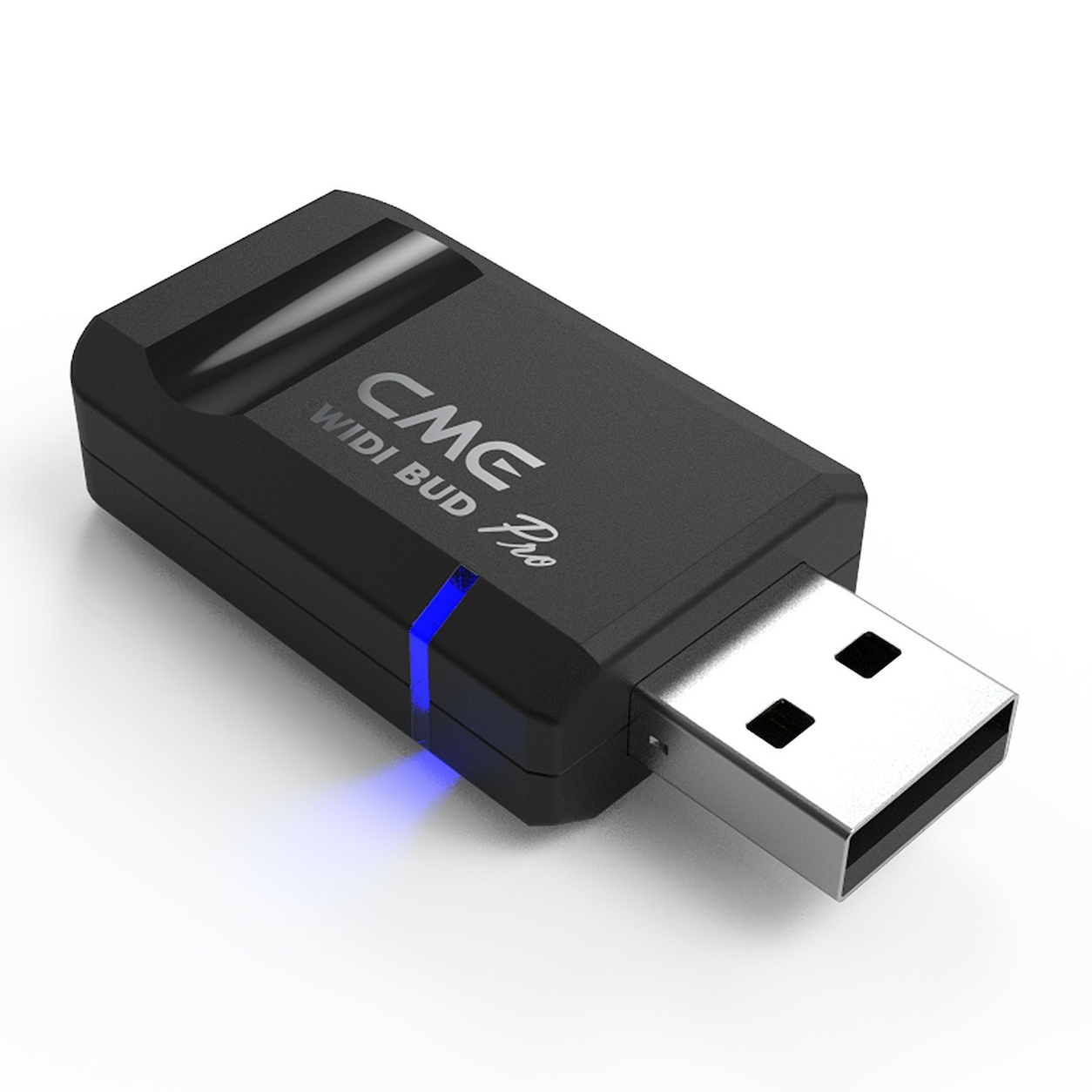
By far the easiest and most stable MIDI over BLE solution, is to use a WIDI Bud Pro USB adapter that was specifically designed to provide a rock-solid connection for musicians and performers.
The WIDI Bud Pro exposes itself as a regular MIDI adapter, while handling the MIDI over BLE connect itself, bypassing the OS entirely.
Using the WIDI Bud Pro with your Woovebox is as easy as plugging in the WIDI Bud Pro into an available USB port, turning on your Woovebox holding (1/Cd) to enable Wireless MIDI, and launching Wooveconnect on a compatible browser.
Please note that only the latest CME WIDI firmwares (June 2023 onwards) support the large SysEx message transfers required. Please update your WIDI Bud Pro when you receive it.
You may also be interested in...
- Terms, Conditions and Warranty (under Shop)
- 13. L2.Wv LFO 2 Waveform (under Pitch page)
- 10. bt.Cr bit crush (under Glob Gobal page)
Two types of bit crushing can be selected; pre- or post-filter/clip distortion.
- Using Teenage Engineering OP-1 / OP-Z sample kits (under Sampler & vocoder)
Your Woovebox is partially compatible with Teenage Engineering OP-1 / OP-Z sample kit (aka "drum kit") AIFF files.
- The Woovebox “secret sauce” (under Full song writing)
That, wherever possible, your Woovebox tries to make musical sense of the fewer pieces of data.