- Wooveconnect
- Stability vs speed
Stability vs speed
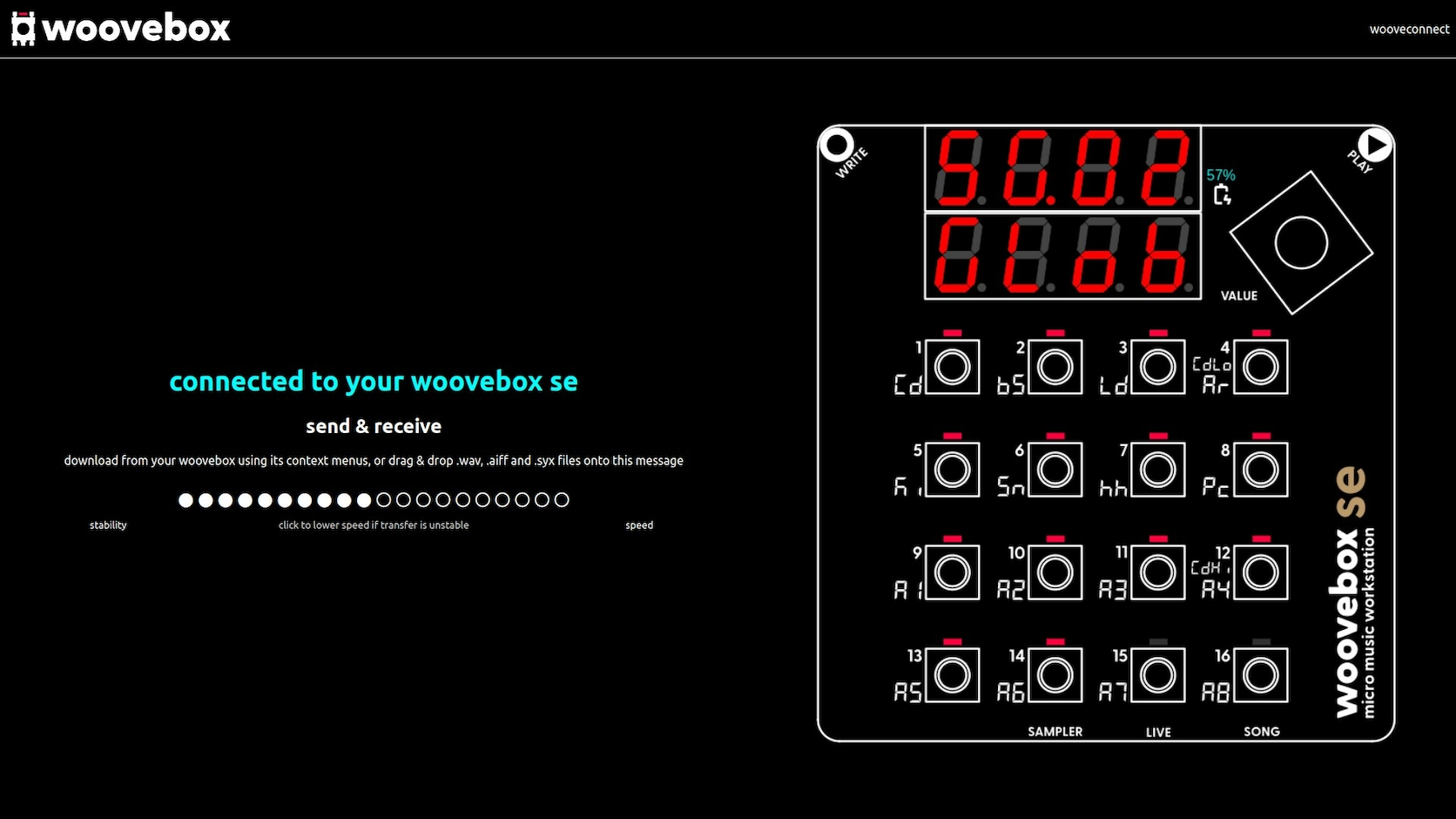
If you find bi-directional connections unstable when uploading data to your Woovebox, you can use the stability vs speed control to tradeoff throughput for stability.
And vice versa, if you have a very stable connection and wish to increase throughput, you may trade stability for increased speed.
If packet loss is detected on a bi-directional connection on firmware 3157+, this setting is automatically adjusted down in an attempt to enhance connection stability.
You may also be interested in...
- macOS (under Pairing your Woovebox to a host)
In the MIDI Studio window, click the Configure Bluetooth button (Bluetooth icon) in the toolbar.
- Elektronauts Woovebox Thread (under Community Discord, forums and socials)
An active thread on the Elektronauts forums with support, tips, tricks and updates.
- More (under Quick start tutorial)
- Full documentation, guide and tutorial (under Documentation)
Get to know your Woovebox and music production, from beginner to expert level.
- 2/bS Bluetooth® LE enable in compatibility mode (under Boot modes)
To start your Woovebox with Bluetooth® LE enabled in compatibility mode, keep the 2/bS key pressed while switching on the device.